
Head swapping is broader than a face swap, which aims to retain the target hairstyle and head outline. Use a careful mask and inspect the eyes, ears, neck boundary and reference likeness.
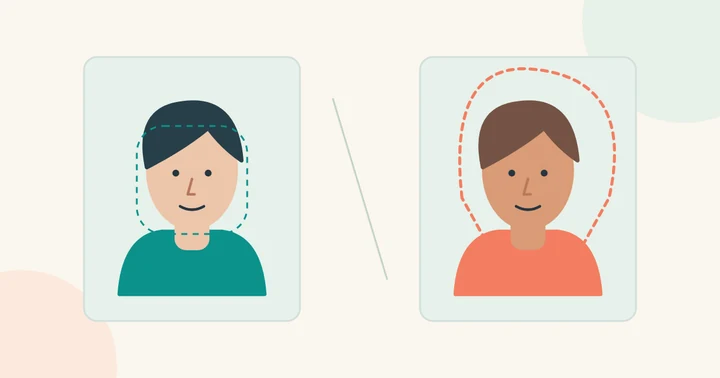
Decide how much of the portrait should change
If you want a new facial identity in the same scene, start with photo face swapping. If the hairstyle, head shape or neck placement must also change, you need a compositing or image-generation workflow designed for that larger region.
A face swap can retain the target's hair and head outline. That can be useful for a costume or portrait concept, but it may not resemble a full transfer of the person in your reference image. Compare the intended silhouette before choosing a tool.
Match angle, scale and neck position
For a manual head replacement, choose images with similar camera height and head rotation. A portrait shot from above is difficult to fit onto a body photographed from below. Match the size using eye spacing and the neck connection, not only the overall width of the hair.
Work with a duplicate layer and a mask so you can adjust the edge without destroying the original. Hair strands and translucent edges need more attention than a hard outline; an obvious cut around the neck will remain visible even when the face itself looks sharp.
Check the composite as a whole
Review light direction, shadows under the chin, skin color and depth of field. A perfectly sharp replacement on a softly focused body can look pasted on. Examine the image both close up and at its final display size.
The current studio does not perform these layer and mask edits. For selecting a face region before an edit, read the face cut-out guide. For choosing better source pictures, use our quality checklist.