
Video face swap changes facial identity while retaining the scene and motion. Test difficult head turns in a short clip, then review the full result and audio before downloading.
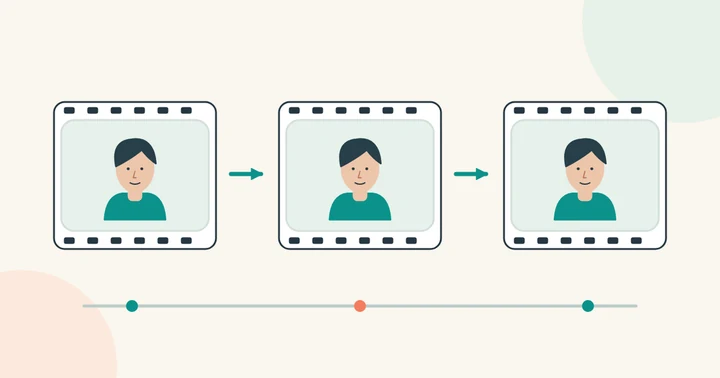
How to change a face in a video
- Upload an existing clip. MP4, WEBM and MOV are supported by the browser studio. Keep the file within 200 MB and the duration within 10 minutes.
- Add a face photo. Choose a JPG, PNG or WEBP portrait up to 20 MB. The face should be sharp and unobstructed.
- Check the duration and cost. The studio estimates the price from clip length; the server verifies it before processing.
- Generate and review the motion. Wait for the job to finish, then watch the whole result before downloading or sharing.
Test a short section before processing a longer video
Use a few seconds with the same person and lighting as the full clip. Check head turns, facial expressions and moments when a hand or object covers the face. A result that looks convincing in one still frame may vary during movement.
AISWAPFACE is free right now. No credits or payment needed.
What the video tool can and cannot do
Swap up to four faces in photos, videos and GIFs. In the playground, select timestamps, test a short clip, trim footage or prepare selected scene ranges as separate jobs. Review each scene before starting the batch. You can join 2–10 compatible completed batch videos in your chosen order: video frames are copied, while audio is re-encoded and silence fills missing audio.
This is not a full timeline editor and does not generate speech, body motion, transitions or new scenes. Review the whole moving result; a still preview cannot establish motion quality. See the batch video guide.
Keep the finished file
Download your result before its retention window ends. Standard saved results use your account retention setting, which defaults to 24 hours; Enhanced and Vault video results have a 1-hour window. Expiration is not a long-term video library.
For loops, see GIF face swapping. For a detailed walkthrough, read how to face swap a video.