
An eye opening photo editor reconstructs details that were not visible in the original. Compare gaze, eyelids and expression; the result may change likeness and is not guaranteed to preserve it.
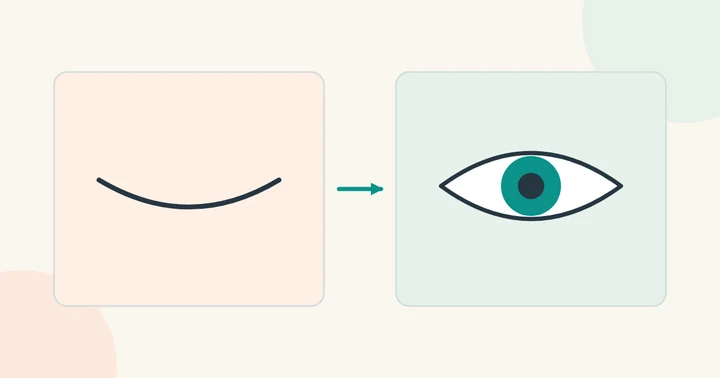
Look for a nearby frame from the same moment
If you took several photos in a burst, find one where the same person's eyes are open and the head angle is similar. Matching lighting and expression makes a localized correction easier than using an unrelated portrait.
Keep both originals. Compare the position of the eyebrows, nose and cheeks, not just the eyes. A reference taken from a different camera height can introduce an unnatural gaze even if the eye region is sharp.
Use a mask to limit the change
In a layer-based editor, align the reference to the target and reveal only the area that needs correction. Keep the mask editable so you can refine eyelids and shadows. Inspect both eyes together and check whether the gaze makes sense in the scene.
Adobe's group-portrait workflow describes using aligned images and masks to combine parts of similar photographs. Follow the current editor documentation for the exact controls.
When there is no reference
An AI editor may invent open eyes, but those details are generated rather than recovered from the closed-eye image. Check identity, eye direction and expression carefully. For an important portrait, another original frame or a new photograph may be preferable.
The available face swap workflow here replaces facial identity and does not guarantee an eyes-only correction. For other small appearance changes, read the face editor guide.