
Use the hairstyle photo editor with a selection that includes space for the new hair outline. Describe the desired style, then check the hairline, ears and face rather than assuming the preview predicts a real haircut.
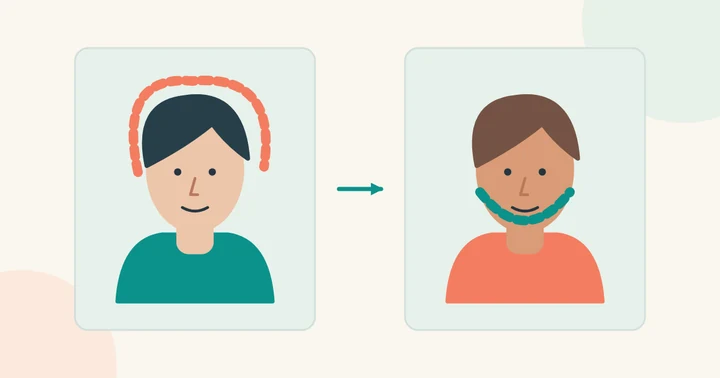
Choose a useful hairstyle reference
Pick a reference with a similar head angle and enough visible hair to understand the cut. If you are comparing several looks, use the same base portrait each time so that lighting and camera position do not become extra variables.
Keep the forehead, ears and hairline visible. A tightly cropped selfie or a hand covering the hair limits what an editing tool can reconstruct. For color previews, use an evenly lit original without a strong color filter.
Review the outline as well as the face
Check where the new hair meets the forehead, ears, glasses and background. Loose strands, curls and shadows can reveal an edit more easily than the center of the hairstyle. Inspect both a close crop and the whole portrait.
A generated haircut is a visual idea. It cannot show exactly how your hair texture, density or styling routine will behave. Save the image as a discussion reference rather than treating it as a guaranteed salon outcome.
Related edits need different controls
A bald preview removes hair and invents the hidden scalp. A beard-removal preview reconstructs skin hidden by facial hair. These require different editing regions from a standard face swap. See the bald-filter guide and beardless-filter guide.
If the scene and hairstyle should stay while only the face changes, use the available photo face swap workflow instead.