
Compare ComfyUI, Roop and FaceFusion by installation, hardware, model compatibility and maintenance. FaceFusion online services and an offline face swap installation are different products; check the actual provider and project documentation.
ComfyUI is a workflow environment
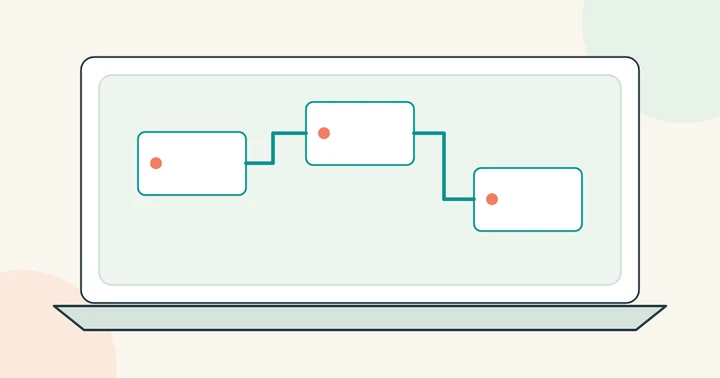
The official ComfyUI documentation explains its node-based generative workflow system, models and custom nodes. A particular face-swap workflow may depend on additional components with their own compatibility and maintenance requirements.
Before installing a community workflow, identify its source, required model files and supported versions. Keep a record of the working configuration rather than updating every component in the middle of a project.
FaceFusion documents installation and job controls
FaceFusion’s official documentation includes installation guidance and commands for interactive, headless, batch and job workflows. Its introduction notes that manual installation requires technical skills.
Read the current requirements for your operating system and processing hardware. Batch capabilities are useful only if you can also verify targeting, output naming, failures and total resource use.
Treat Roop names and forks carefully
The s0md3v/roop repository is archived as of this review. Other projects using similar names may have different maintainers, code and requirements. An old tutorial should not be treated as current instructions for a different fork.
Use official project documentation and inspect model licenses and usage conditions. This site does not provide installers or recommend bypassing a tool’s safeguards.
Compare setup control with hosted convenience
A local workflow puts installation and resource management in your hands. A hosted studio uploads media for remote processing and charges according to its published pricing. Check the actual retention controls instead of assuming either category guarantees privacy.
Use photo face swap or video face swap without local installation. The playground has a batch queue for up to ten individually configured files. It does not expose a local node graph; see batch preparation and limits.