
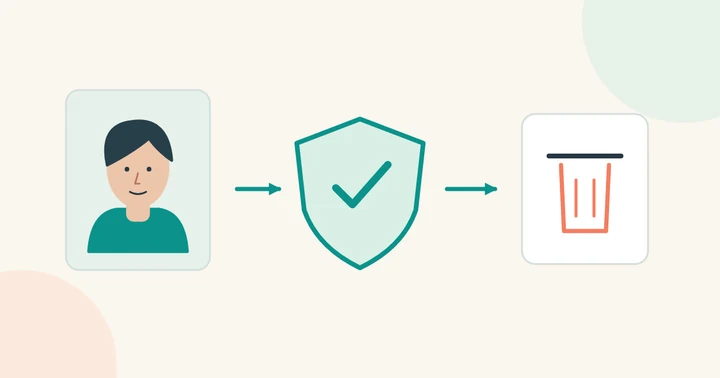
Uploads are processed remotely
The browser uploads your scene and portrait for server-side processing, including the configured rendering provider. Selecting Vault does not make the process local to your device. Video inputs are held temporarily for the processing job and cleaned up when it finishes or fails.
Use media you have permission to edit. The result-expiry controls below describe this service’s stored outputs; they are not a promise about every provider log or backup. Read the privacy policy before uploading sensitive media.
Choose the result window for your format
- Standard photos, videos and GIFs: 24 hours by default, with account choices of 1, 6, 12, 24 or 48 hours.
- Enhanced: a one-hour result window.
- Vault photos: the result is delivered without a saved result copy. Download it before leaving the result screen.
- Vault videos and GIFs: a one-hour result window, because these outputs need a downloadable file.
Expiry is scheduled. Download before the stated deadline instead of depending on the exact cleanup instant.
Set preferences and save a copy
Open your account, choose Privacy and set the default mode and Standard retention period. Review the mode again in the studio before each job. Changing a preference does not bring back an expired file.
Use Download on the result or an available item in Generations. Open the saved copy to confirm it works. Your device copy is separate from the server copy and remains your responsibility.
Delete one result, all renders or your account
In Generations, use Delete beside a result or Delete all. Privacy also offers Delete all renders. These controls remove stored files; a history or diagnostic record may remain.
Account deletion requires your password. Wait for queued or processing jobs to finish first. It deletes the account and stored renders; payment records remain without the account link for reconciliation and support. Deleting a server file does not erase a copy you already downloaded or shared.
Understand the activity measurements
The service records first-party activity to understand entry pages, signups and successful swaps. The owner report groups sessions by the first recorded page and language; sessions are not a count of unique people.
The current policy sets a 90-day retention period for raw activity events. Do Not Track and Global Privacy Control signals disable this activity tracking. For a missing download or inconsistent status, use the troubleshooting guide.